



Many camera quotes start with a number: eight cameras, sixteen cameras, a 4K recorder. The better question comes first. What does each camera have to show, and what will you do with the footage? Answer that, and the count, the models and the price follow.
Decide what each camera must see
The international standard for video surveillance, IEC 62676-4, sorts camera views by the level of detail they deliver. Axis Communications summarizes its figures as pixels per meter at the target:
- Detection (someone is there): about 25 pixels per meter, or 8 per foot.
- Observation (what they are doing): about 63 pixels per meter.
- Recognition (is this someone you have seen before): about 125 pixels per meter.
- Identification (who is this): about 250 pixels per meter, or 80 per foot, which works out to roughly 40 pixels across a face.
Pixel density falls as the view gets wider and the target gets farther away. A high-resolution camera covering an entire lot may only detect; the same camera aimed tight at a doorway can identify. Axis also recommends more than the minimum where lighting is poor or people don't face the camera. So plan two kinds of cameras: wide views that show what happened, and tight views at doors, registers and gates that show who did it.
Match the camera to the spot
Fixed domes and bullets cover most needs. PTZ cameras can pan, tilt and zoom to follow an event, but a PTZ looking one way misses what happens behind it, so they work best alongside fixed cameras. 360° fisheye and multi-lens panoramic cameras cover a whole room or intersection from one mount. Recessed cameras sit flush in finished ceilings. License plate readers need a narrow, well-lit view of the lane. Thermal cameras see heat instead of light, which helps on dark perimeters.
Plan the power and the cable
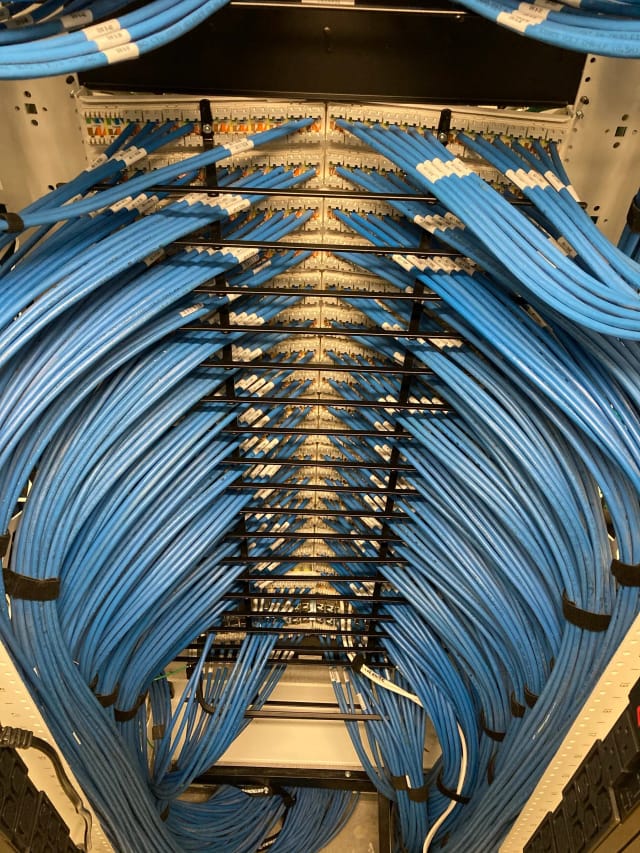
Many IP cameras take power over the network cable. IEEE 802.3af supplies up to 12.95 watts at the device, 802.3at up to 25.5 watts and 802.3bt up to 71.3 watts. Add up the cameras before you buy the switch. Copper Ethernet runs are limited to 100 meters, including patch cords, so a camera at the far end of a warehouse may need a closer switch or a fiber link. If the building already has good coax, HD-over-coax cameras can reuse it.
Know the rules before you mount
Workplaces. New York Labor Law 203-c bars employers from making video recordings of employees in restrooms, locker rooms and rooms designated for changing clothes, unless a court orders it. A recording made in violation can't be used for any purpose, even discipline.
Face recognition in NYC. If you run a store, restaurant or venue in New York City and use technology that identifies customers by face or other biometrics, the city's biometric identifier law requires a clear sign at every customer entrance. Plain video recording that isn't analyzed to identify people is exempt.
Restricted brands. Since March 2021 the FCC's Covered List has included Hikvision and Dahua video surveillance equipment where it is used for public safety, government facilities, critical infrastructure and other national security purposes. If you sell to government or run critical infrastructure, choose cameras accordingly.
Plan recording and remote access
Recording storage grows with the number of cameras, the resolution, the frame rate and the number of days you keep. Decide how far back you need to look, since a problem isn't always spotted the same day. Decide who can see cameras remotely, then lock that access down. CISA, the federal cybersecurity agency, warns that default device passwords are easily found online, and recommends strong passwords, multi-factor sign-in where available and prompt software patches.
Questions to ask any installer
- How did you decide where each camera goes and what it must show?
- What will the image look like at night at each door?
- How many days of recording does the quote include?
- How is remote access secured, and who holds the passwords?
- Who trains our staff, and who do we call when a camera fails?
We answer those at a free walkthrough. Our proposals list every camera with the view it must deliver, the schedule and the price, and every job is finished on time and on budget, or 15% off.
Sources
- Pixel density based on IEC 62676-4:2014 Axis Communications.
- Power over Ethernet and Category 6 cable Wikipedia.
- Labor Law section 203-c New York State.
- New York City Biometrics Law Takes Effect in July 2021 Davis Wright Tremaine.
- Public Notice DA 21-309: the Covered List Federal Communications Commission.
- Secure New Internet-Connected Devices Cybersecurity and Infrastructure Security Agency.
- Commercial Surveillance Systems InnoTech, old website.
Every building is different. Talk to us about yours before you decide; nothing here replaces a site survey.


